尊敬的mkeshav, 您好! 感谢您详细描述您的仿真项目需求。针对您提到的**多SKU(不同几何形状)仿真**,以及需要**自动切换机器人程序和工站子装配体**的场景,以下是几种推荐的高效实现方法: --- ### **1. 基于“变体管理”(Variant Management)的解决方案** 这是处理多SKU仿真的常用方法,尤其适合不同几何形状和程序切换的场景。 - **核心思路**: 为每个SKU创建一个独立的“变体”,每个变体包含: - SKU特定的几何模型(如产品模型、工站子装配体)。 - SKU对应的机器人程序(可通过参数化路径或程序编号关联)。 - **实现步骤**: 1. **创建SKU变体库**:在仿真软件(如Process Simulate、DELMIA等)中,为每个SKU定义独立的几何模型和程序文件。 2. **配置变体规则**:通过“条件逻辑”或“信号触发”机制,在SKU切换时自动激活对应的变体。 3. **关联机器人程序**:将每个机器人的程序路径与SKU变体绑定,实现自动切换。 - **优势**: - 无需手动隐藏/显示模型,变体切换自动更新所有相关资源。 - 支持批量管理多SKU配置。 --- ### **2. 基于“参数化编程”的自动化流程** 如果您的仿真平台支持脚本(如VB、Python或内置API),可通过编程实现全自动切换。 - **核心思路**: 将SKU类型作为全局参数,通过脚本控制模型加载、程序选择和子装配体更新。 - **实现步骤**: 1. **定义SKU参数表**:例如,用Excel或数据库存储SKU与对应模型路径、程序名称的映射关系。 2. **编写主控脚本**: - 根据SKU选择信号,读取参数表并加载对应几何模型。 - 遍历所有机器人,动态分配对应的程序文件。 - 更新每个工站的子装配体(如替换工具或夹具)。 3. **集成到仿真事件中**:将脚本绑定到“SKU切换事件”或“仿真初始化”阶段。 - **优势**: - 高度灵活,可适应复杂逻辑(如混合SKU生产线)。 - 易于扩展新SKU,只需更新参数表即可。 --- ### **3. 使用“配置管理器”(Configuration Manager)** 部分仿真软件提供配置管理工具(如Tecnomatix的Variant Manager),可集中管理多套资源组合。 - **操作建议**: 1. 为每个SKU创建独立的配置集,包含所有相关资源(模型、程序、工站设置)。 2. 通过配置管理器一键切换整个生产线的SKU配置。 3. 结合仿真逻辑,在运行中动态调用配置集。 - **优势**: - 可视化界面操作,降低手动错误风险。 - 支持版本管理和团队协作。 --- ### **4. 最佳实践建议** - **标准化命名规则**: 为SKU模型、程序文件、子装配体制定统一的命名规范(如 `SKU_A_Robot1_Program`、`SKU_A_Station3_SubAssembly`),便于自动化脚本识别。 - **分层管理资源**: 将SKU通用资源(如基础生产线)与SKU专用资源(如几何模型)分离,提高仿真性能。 - **提前验证兼容性**: 确保不同SKU的机器人程序与工站布局无冲突(如碰撞检查、可达性验证)。 --- ### **5. 推荐工具与文档** - **仿真平台**: - Siemens Tecnomatix Process Simulate(支持变体管理和COM/API编程)。 - Dassault DELMIA(支持配置驱动设计和规则引擎)。 - **参考资源**: - Siemens官方文档:*《Process Simulate Variant Management Guide》*。 - DELMIA社区案例:*“Multi‑Product Line Simulation with Dynamic Resource Switching”*。 --- ### **总结** 您可以通过 **“变体管理”** 或 **“参数化脚本”** 实现全自动的SKU切换,具体选择取决于仿真软件的兼容性和项目复杂度。建议先在测试环境中验证流程,再逐步扩展到全线20个机器人工站。 如果需要更具体的操作示例或脚本片段,请提供您使用的仿真软件名称,我可以进一步协助! 祝项目顺利推进! 此致, 技术支持团队 2026年2月3日

Dear Support Team,

I am working on a simulation project involving a conveyor line with 20 robots and 20 stop‑and‑go stations. Each robot performs a different operation depending on the selected SKU. Since each SKU has a different geometry, every robot requires a corresponding SKU‑specific program. Additionally, each station includes subassemblies that vary according to the SKU model being processed.

I would like to understand the most efficient method to simulate multiple SKUs under the following conditions:

  1. When a SKU is selected, the simulation should automatically load the correct geometry for that SKU.

  2. All 20 robots should automatically switch to the corresponding SKU‑specific robot programs without manual intervention.

  3. Each station should display and use the correct SKU‑specific subassemblies.

  4. I would like to avoid manually hiding or unhiding SKU models or subassemblies at each station.

  5. The overall process should support seamless SKU switching and full automation of program selection and model replacement.

Kindly advise whether there is a recommended workflow, variant management method, or automated configuration process that can achieve this. Any best practices, documentation, or examples would be highly appreciated.

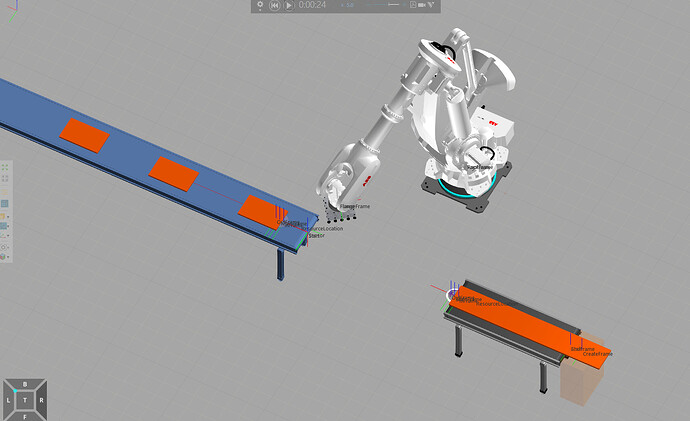
感谢您的支持。 此致, Mohit Keshav Tilma 2026年2月3日 下午3:40 您没有说明有多少个SKU/产品。 如果少于5个,我可能会为每个SKU创建一个单独的流程,并对应相应的产品和子装配。这样您可以为每个产品选择不同的几何形状,并定义该SKU/产品特有的流程。 如果超过5个,我可能会尝试创建一个具有不同属性的单一产品。eCat中的“自动仓库系统”布局展示了一个很好的例子: 使用组件“Excel读取器”(eCat → 杂项)或 **变量缓存插件** 您可以从Excel文件中读取数值。这样您可以只创建一个产品,并在流程中定义何时创建它、使用哪个SKU、哪种颜色/尺寸、需要多少处理时间等。 图表 1808×1012 623 KB 如果您在机器人流程建模中使用流程建模,您可以在流程中 **使用过滤器** 根据产品属性将产品传输到特定流程。如果您使用机器人程序,则可以使用If或Switch循环,根据产品属性调用不同的程序。

Sincerely,
Mohit Keshav

You didn’t say how many SKU/products there are.

  • If it’s less than 5, I would probably one Flow per SKU with the corresponding product and subassembly. You can then choose a different geometry for each product, and define the Flow specific for this SKU/product.

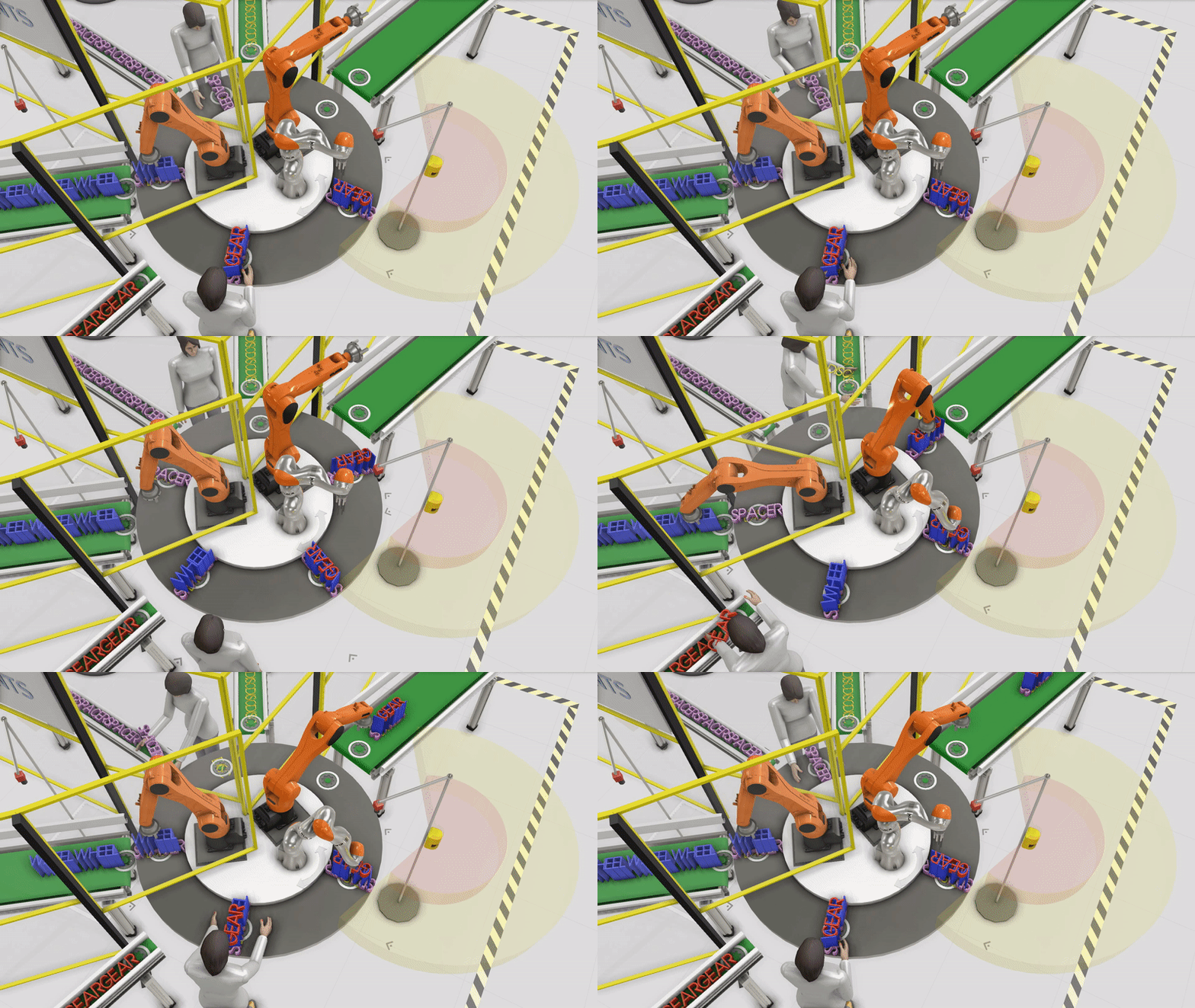
  • If it’s more than 5, I would probably try to create just one product with different properties. The layout “Automatic Warehouse System” in the eCat shows a nice example:

    • with the component “Excel Reader” (eCat → Misc) or the* * Variable Cache AddOnyou can read values from an Excel file. That way you can create only one product, and define in the process when it should be created, with which SKU, which color/size, which process time it will have, etc.
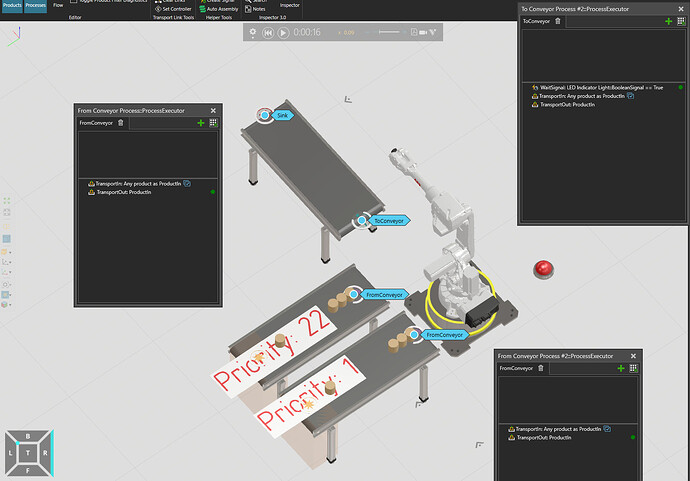
    • if you are using the Process modeling for the robot, you could use* * Filtersin the processes to transport the products to certain processes according to their Product Properties. If you are using robot programs, then you could use an If or Switch loop, to call a different programm accroding to the product properties.
    • 你也可以使用 If 或 Switch 循环来根据流程中的产品调用不同的装配(类似于模板布局中的“装配构造说明”)。
1 个赞

@Tilma非常感谢您的支持:folded_hands:。我会尝试去做,如果需要任何帮助,我会告诉您。

此致

Mkeshav