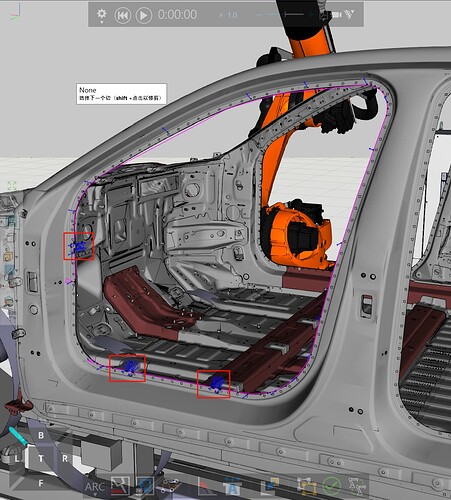
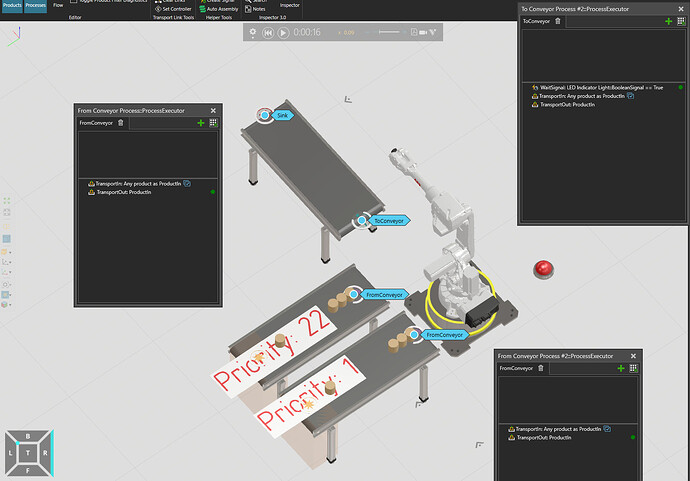
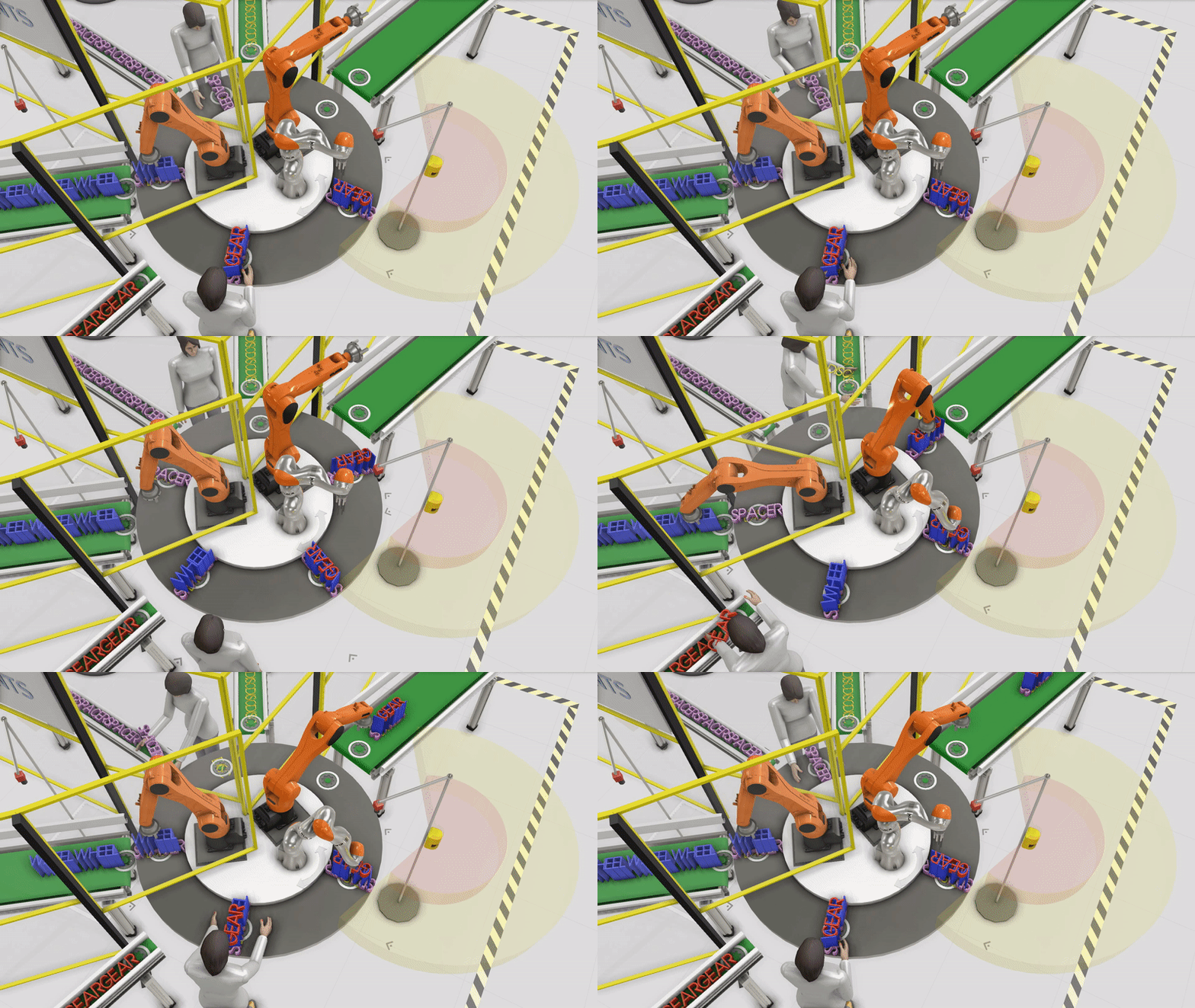
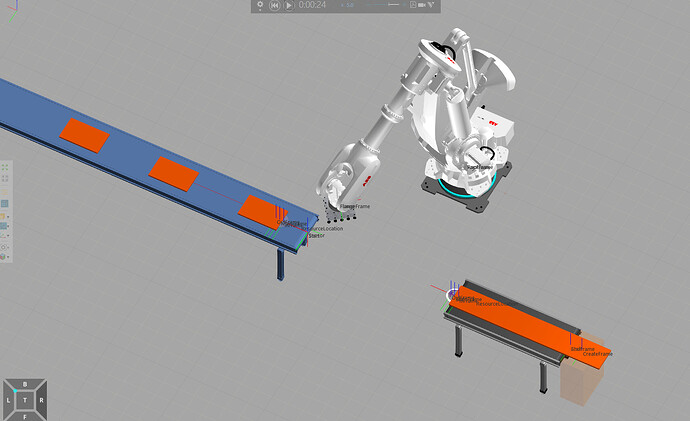
Hello, seniors. I’m trying to use the automatic path generation function of industrial robots. I encountered the problem shown in the following picture: I want to generate a circle of trajectories along the edge of the car door, but there are extra points planned out automatically (as indicated by the red box). I need to delete these extra points, but I don’t know how to do it. Could anyone offer help and teach me how to modify and delete trajectory points in the path action?
How to independently define, modify and delete trajectory points in the path during path action programming with robots? - Robot Programming
2026-04-03
新闻来源:网淘吧
围观:7
电脑广告
手机广告
Hi,
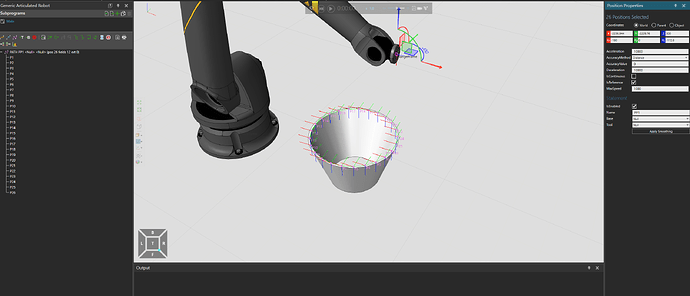
You have to select the points first and tick “IsReference”, if it is already ticked on, tick it off and back on:
Selection happens by holding ctrl + mouse 1 (LMB) or using the “select” tool.
br,
lefa
2 Likes
Thank you very much for your reply.
I will give it a try. If the problem is solved, I will reply to you again.
文章底部电脑广告
手机广告位-内容正文底部


微信扫一扫,打赏作者吧~