大家好,
我正在尝试使用图片框为我的产品添加一个Logo 图像。
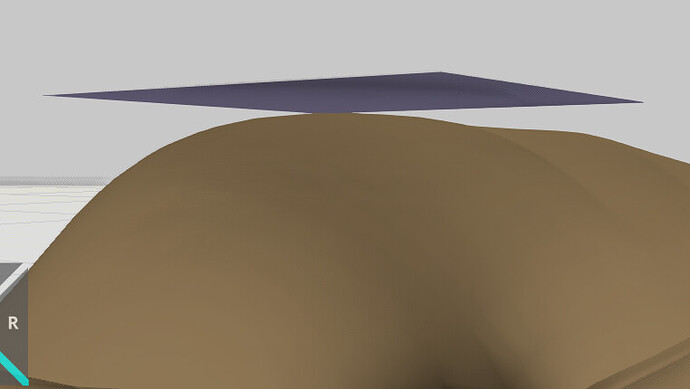
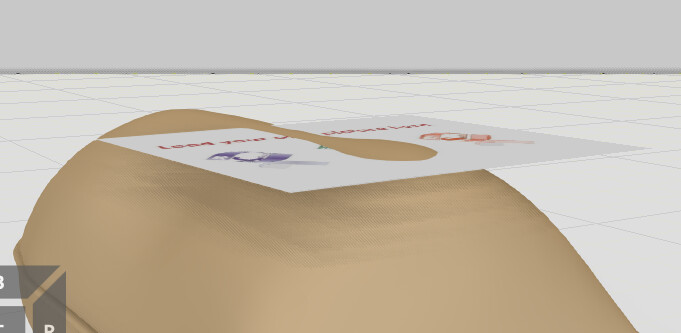
问题是产品表面不是平的,因此图像无法在曲面上正确对齐。
在 visual Components 中是否有任何方法可以将图像投影到曲面上?

大家好,
我正在尝试使用图片框为我的产品添加一个Logo 图像。
问题是产品表面不是平的,因此图像无法在曲面上正确对齐。
在 visual Components 中是否有任何方法可以将图像投影到曲面上?
添加贴花或贴图工具会对你有帮助吗?我经常使用添加贴花来将 Logo 应用到曲面上。
添加贴花 | Visual Components Academy
如何使用纹理贴图工具 | Visual Components Academy
你好 @KustiH
感谢你的支持,
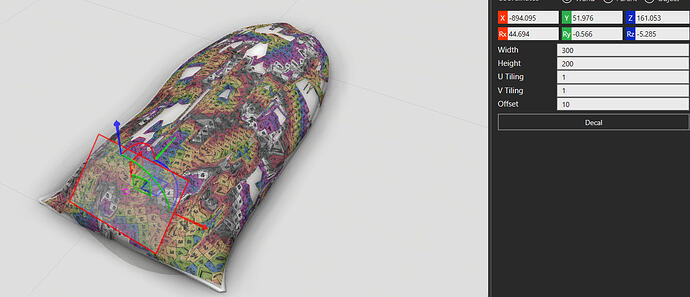
我尝试使用 Visual Components 中的贴花选项为我的产品添加 Logo。
然而,贴花反射在整个物体上,而不是只在我想要放置 Logo 的特定区域。
Bag.vcmx(853.3 KB)
@Cool1 这是我第一次使用贴花工具,但它似乎有点不可预测。我通过切割袋子的一个部分并将贴花应用到那个部分来实现效果。希望这对你的项目有效。
Bag2.vcmx(2.4 MB)
您是本站第2555668名访客 今日有0篇新文章/评论

 微信扫一扫,打赏作者吧~

网友评论
最新评论