
OpenGraph.io
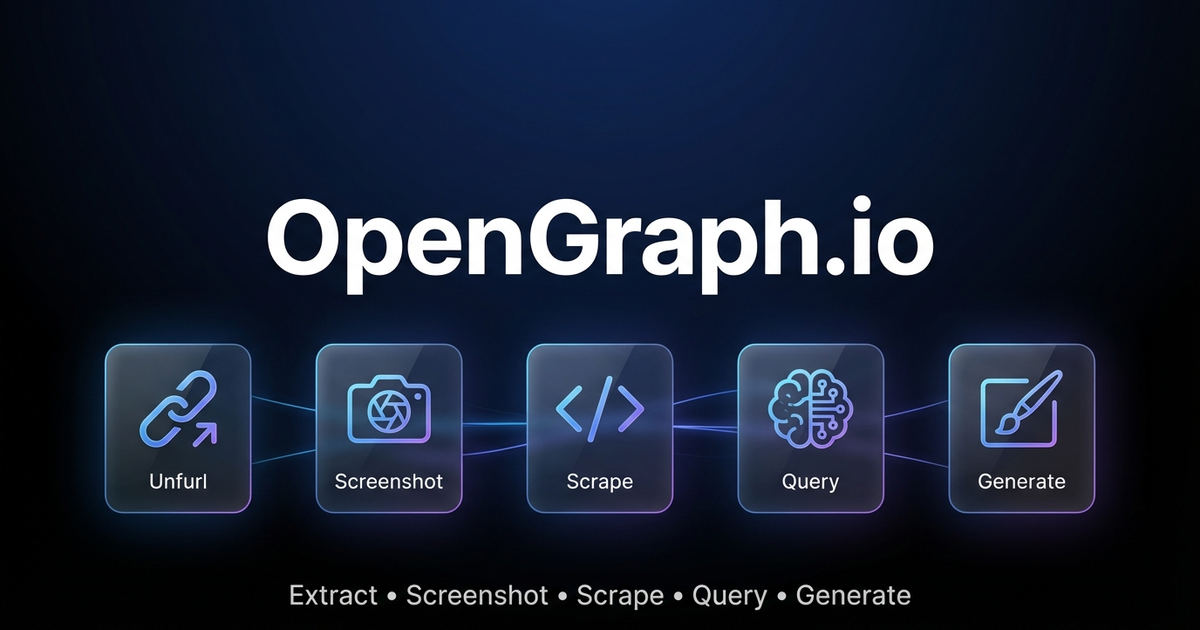
通过 OpenGraph.io API 提取网络数据、捕获截图并生成 AI 驱动的图像。
🤖AI 代理:如需完整的参数文档和模式,请同时阅读references/for-ai-agents.md。
快速决策指南
"我需要从 URL 获取数据"
| 需求 | 端点 |
|---|---|
| 元标签 / 链接预览数据 | GET /site/{url} |
| 原始 HTML 内容 | GET /scrape/{url}(如果遇到地理限制,请添加use_proxy=true) |
| 特定元素(h1, h2, p) | GET /extract/{url}?html_elements=h1,h2,p |
| 关于页面的 AI 解答 | POST /query/{url}⚠️ 付费功能 |
| 可视化截图 | GET /screenshot/{url} |
“我需要生成一张图片”
| 需求 | 设置 |
|---|---|
| 技术图表 | 种类:"图表"— 使用diagramCode+diagramFormat用于控制 |
| 应用图标/徽标 | 种类:"图标"— 设置透明:是 |
| 社交卡片(OG/Twitter) | 种类:"社交卡片"— 使用宽高比:"og-image" |
| 基础二维码 | 种类:"二维码" |
| 高级二维码营销卡片 | 种类:"插画"— 在提示中描述完整设计 |
| 通用图示 | 类型:"图示" |
二维码:基础版 vs 高级版
基础版(类型:"二维码"):仅包含功能性的二维码。
高级版(类型:"图示"):完整的营销素材,将二维码嵌入设计构图(包含渐变、3D元素、行动号召、设备模型)。示例提示:
"Premium marketing card with QR code for https://myapp.com, cosmic purple gradient
with floating 3D spheres, glowing accents, 'SCAN TO DOWNLOAD' call-to-action"
图表绘制技巧
- 使用
diagramCode+diagramFormat以确保语法可靠(绕过AI生成) - 使用
outputStyle: "standard"来绘制结构关键的图表(高级版可能改变布局) - ❌ 不要混合语法与描述:
"graph LR A-->B 让它好看点"会导致失败
定价与要求
| 功能 | 免费版 | 付费计划 |
|---|---|---|
| 网站/链接预览 | ✅ 每月100次 | 无限制 |
| 截图 | ✅ 每月100次 | 无限制 |
| 数据抓取 | ✅ 每月100次 | 无限制 |
| 信息提取 | ✅ 每月100次 | 无限制 |
| 查询(人工智能) | ❌ | ✅ |
| 图像生成 | ✅每月4次 | 无限制 |
💡免费尝试图像生成!免费计划每月提供4次高级图像生成——无需信用卡。
快速设置
- 注册于dashboard.opengraph.io— 提供免费试用
- 配置(选择一种方式):
选项A:Clawdbot配置(推荐)
// ~/.clawdbot/clawdbot.json
{
  skills: {
    entries: {
      "opengraph-io": {
        apiKey: "YOUR_APP_ID"
      }
    }
  }
}
选项B:环境变量
export OPENGRAPH_APP_ID="YOUR_APP_ID"
Clawdbot使用(REST API)
使用curl配合OPENGRAPH_APP_ID环境变量。基础URL:https://opengraph.io/api/1.1/
提取OpenGraph数据(站点/展开)
# Get OG tags from a URL
curl -s "https://opengraph.io/api/1.1/site/$(echo -n 'https://example.com' | jq -sRr @uri)?app_id=${OPENGRAPH_APP_ID}"
响应包含hybridGraph.title、hybridGraph.description、hybridGraph.image, 等等。
网页截图
# Capture screenshot (dimensions: sm, md, lg, xl)
curl -s "https://opengraph.io/api/1.1/screenshot/$(echo -n 'https://example.com' | jq -sRr @uri)?app_id=${OPENGRAPH_APP_ID}&dimensions=lg"
响应:{ "screenshotUrl": "https://..." }
抓取HTML内容
# Fetch rendered HTML (with optional proxy)
curl -s "https://opengraph.io/api/1.1/scrape/$(echo -n 'https://example.com' | jq -sRr @uri)?app_id=${OPENGRAPH_APP_ID}&use_proxy=true"
提取特定元素
# Pull h1, h2, p tags
curl -s "https://opengraph.io/api/1.1/extract/$(echo -n 'https://example.com' | jq -sRr @uri)?app_id=${OPENGRAPH_APP_ID}&html_elements=h1,h2,p"
查询(向AI询问关于某个页面的信息)
curl -s -X POST "https://opengraph.io/api/1.1/query/$(echo -n 'https://example.com' | jq -sRr @uri)?app_id=${OPENGRAPH_APP_ID}" \
  -H "Content-Type: application/json" \
  -d '{"query": "What services does this company offer?"}'
图像生成(REST API)
基础URL:https://opengraph.io/image-agent/
步骤 1:创建一个会话
SESSION=$(curl -s -X POST "https://opengraph.io/image-agent/sessions?app_id=${OPENGRAPH_APP_ID}" \
  -H "Content-Type: application/json" \
  -d '{"name": "my-session"}')
SESSION_ID=$(echo $SESSION | jq -r '.sessionId')
步骤 2:生成一张图片
curl -s -X POST "https://opengraph.io/image-agent/sessions/${SESSION_ID}/generate?app_id=${OPENGRAPH_APP_ID}" \
  -H "Content-Type: application/json" \
  -d '{
    "prompt": "A beautiful QR code linking to https://example.com with modern gradient design",
    "kind": "qr-code",
    "aspectRatio": "square",
    "quality": "high"
  }'
图片种类: 插图、图表、图标、社交卡片、二维码
样式预设: github-dark、vercel,条纹,霓虹赛博,粉彩,极简单色
长宽比: 方形,OG 图片(1200×630),推特卡片,Instagram 快拍,等等。
步骤 3:下载资源
ASSET_ID="<from-generate-response>"
curl -s "https://opengraph.io/image-agent/assets/${ASSET_ID}/file?app_id=${OPENGRAPH_APP_ID}" -o output.png
步骤 4:迭代(优化图像)
curl -s -X POST "https://opengraph.io/image-agent/sessions/${SESSION_ID}/iterate?app_id=${OPENGRAPH_APP_ID}" \
  -H "Content-Type: application/json" \
  -d '{
    "assetId": "<previous-asset-id>",
    "prompt": "Change the background to blue"
  }'
自然语言示例
当用户使用自然语言提问时,将其翻译为适当的 API 调用:
| 用户说 | 使用的 API |
|---|---|
| “从 URL 获取 OG 标签” | GET /site/{url} |
| "截取此页面" | GET /screenshot/{url} |
| "从URL抓取HTML" | GET /scrape/{url} |
| "此页面关于X说了什么?" | POST /query/{url} |
| "为URL生成二维码" | POST /image-agent/sessions/{id}/generate附带kind: "qr-code" |
| "创建高级二维码营销卡片" | POST /image-agent/sessions/{id}/generate附带kind: "illustration"+ 提示中包含设计 |
| "为我的博客创建社交卡片" | POST /image-agent/sessions/{id}/generate附带kind: "social-card" |
| "制作架构图" | POST /image-agent/sessions/{id}/generate附带kind: "diagram" |
二维码选项
基础二维码(类型:"qr-code"):生成仅包含基础功能的二维码,样式极简。
高级二维码营销卡片(类型:"illustration"):生成完整的营销素材,将二维码嵌入专业设计的构图——包含渐变、3D元素、行动号召、设备模型等。
# Premium QR marketing card example
curl -s -X POST "https://opengraph.io/image-agent/sessions/${SESSION_ID}/generate?app_id=${OPENGRAPH_APP_ID}" \
  -H "Content-Type: application/json" \
  -d '{
    "prompt": "Premium marketing card with QR code for https://myapp.com, cosmic purple gradient background with floating 3D spheres, glowing accents, SCAN TO DOWNLOAD call-to-action",
    "kind": "illustration",
    "aspectRatio": "square",
    "outputStyle": "premium",
    "brandColors": ["#6B4CE6", "#9B6DFF"],
    "stylePreferences": "modern, cosmic, premium marketing, 3D elements"
  }'
MCP集成(适用于Claude Desktop、Cursor等)
对于支持MCP的AI客户端,请使用MCP服务器:
# Interactive installer
npx opengraph-io-mcp --client cursor --app-id YOUR_APP_ID

# Or configure manually:
{
  "mcpServers": {
    "opengraph": {
      "command": "npx",
      "args": ["-y", "opengraph-io-mcp"],
      "env": {
        "OPENGRAPH_APP_ID": "YOUR_APP_ID"
      }
    }
  }
}
查看references/mcp-clients.md了解针对具体客户端的设置。
更多详情
- references/for-ai-agents.md—AI代理参考(工具模式、决策树、模式)
- references/api-reference.md—完整的API文档(所有端点、参数、响应模式)
- references/platform-support.md—平台支持指南(YouTube、Vimeo、TikTok、社交媒体、电子商务)
- references/troubleshooting.md—故障排除指南(常见错误、调试技巧)
- references/image-generation.md— 图像预设、样式、模板
- references/mcp-clients.md— MCP客户端配置

 微信扫一扫,打赏作者吧~
网友评论
最新评论