Hi all,
I’m building a sorting cell in Visual Components Premium 4.10 and using the Robot Program editor (no Python preferred).

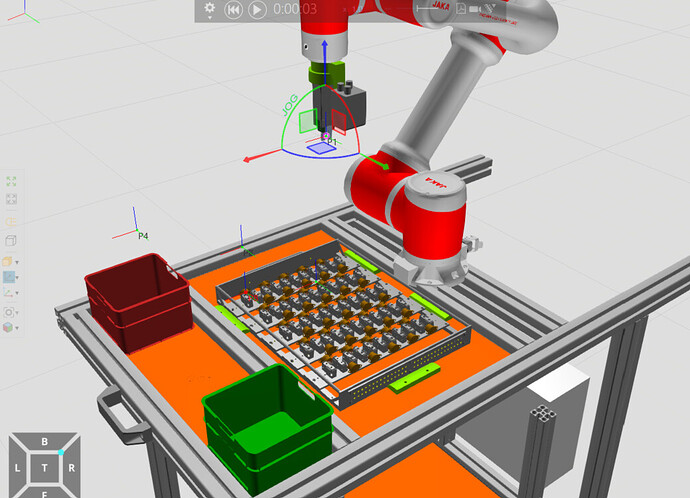
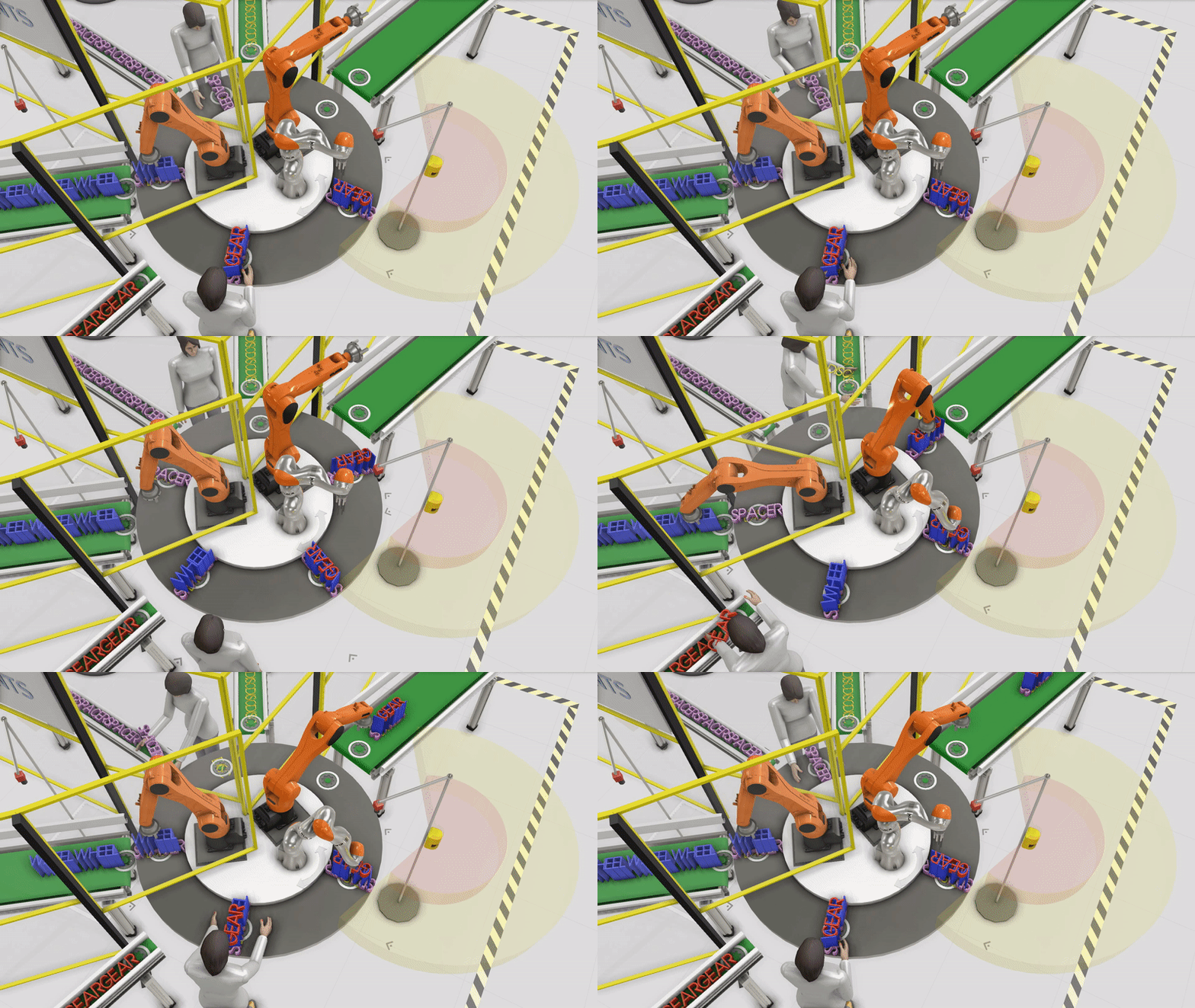
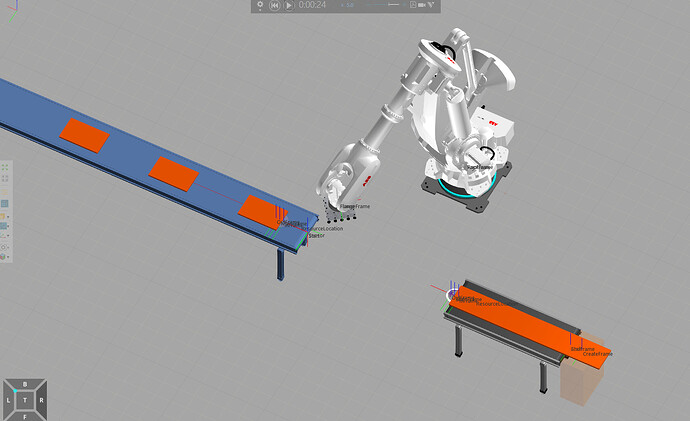
My sorting robot program currently works for one TS part on a pallet (robot not actually gripping the part), but the pallet contains 50 TS total in a 5×10 grid. I want a scalable method so I don’t have to teach and maintain 50 separate pick targets/subprograms. I have attached my project below as well as a picture.

Thank you in advance.

Phase 1.vcmx(11.3 MB)

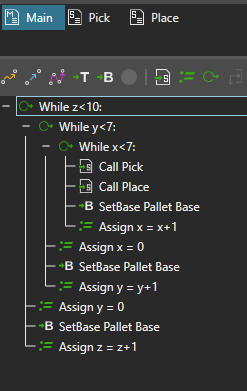
You can define one pick program that uses a base frame for all motion points, and then create a loop with While statement where the base frame is shifted relatively between the pick operations. In this tutorial a robot is programmed in a similar way to place boxes on a pallet in a grid: the same sequence for placing the boxes is used several times by just shifting the base coordinate.
Palletizing robot programming | Visual Components Academy

2 Likes

Thank you. I am however struggling with the implementation of this and would appreciate some help with the implementation. My idea is the following:

Set up Base:

  • Set the pallet as the Base and set it so that:
    • Base_1 origin start at first component (either corner)
    • Base X-axis for columns (c = 5)
    • Base Y-axis for rows (r = 5)
    • Base Z-axis is up

Re-teach Positions for Base_1:

  • P1 = approach above component 1
  • P2 = pick/down at component 1
  • P3 = retract up from component
  • INPUTS/OUTPUTS stay the same

Pseudo Variables:

  • pitch_x = spacing in x between components
  • pitch_y = spacing in y between components
  • r = row counter
  • c = column counter

Pseudo:

  • SetBase to Base1
  • r = 0
  • while r < 5
    • c = 0
    • while c < 5
      • offset base
      • Call Pick_TS
      • Call Place_TS
      • c = c+1
    • r = r+1

Note that you also need to shift the bases inside the While loops using a SetBase statement.
Here’s the Main of a palletization routine I’ve made previously. It also has the z dimension, but the principle is the same:
-in innermost loop, shift base to X direction
-in the upper-level loop, shift base relatively to Y-directionandto negative X-direction by 5 * pitch_x, so that the base’s x-coordinate doesn’t keep increasing and increasing.

1 Like

Yes, thank you, I actually managed in the end. Do you know why the base starts at position 2 instead of position 1, and why component 1 is not being included in the first iteration of the loop?

This sequence currently loops through the odd-numbered rows. I also want to implement the same logic for the even-numbered rows. Would you recommend defining a new base in this case for the offset positions

Phase 1 v1.2.zip(33.9 MB)

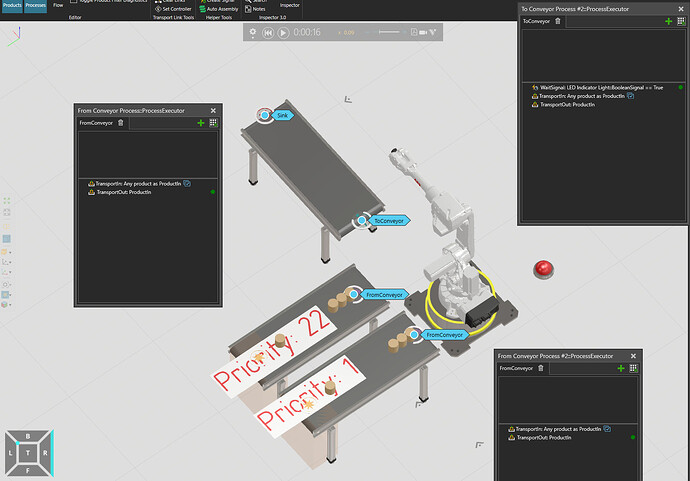
You can also achieve this using process modeling. You would need to create an assembly and then you could automate the pick operation. This video walks you through the setup:
How to complete an Assembly or Disassembly Task | Visual Components Academy

1 Like